
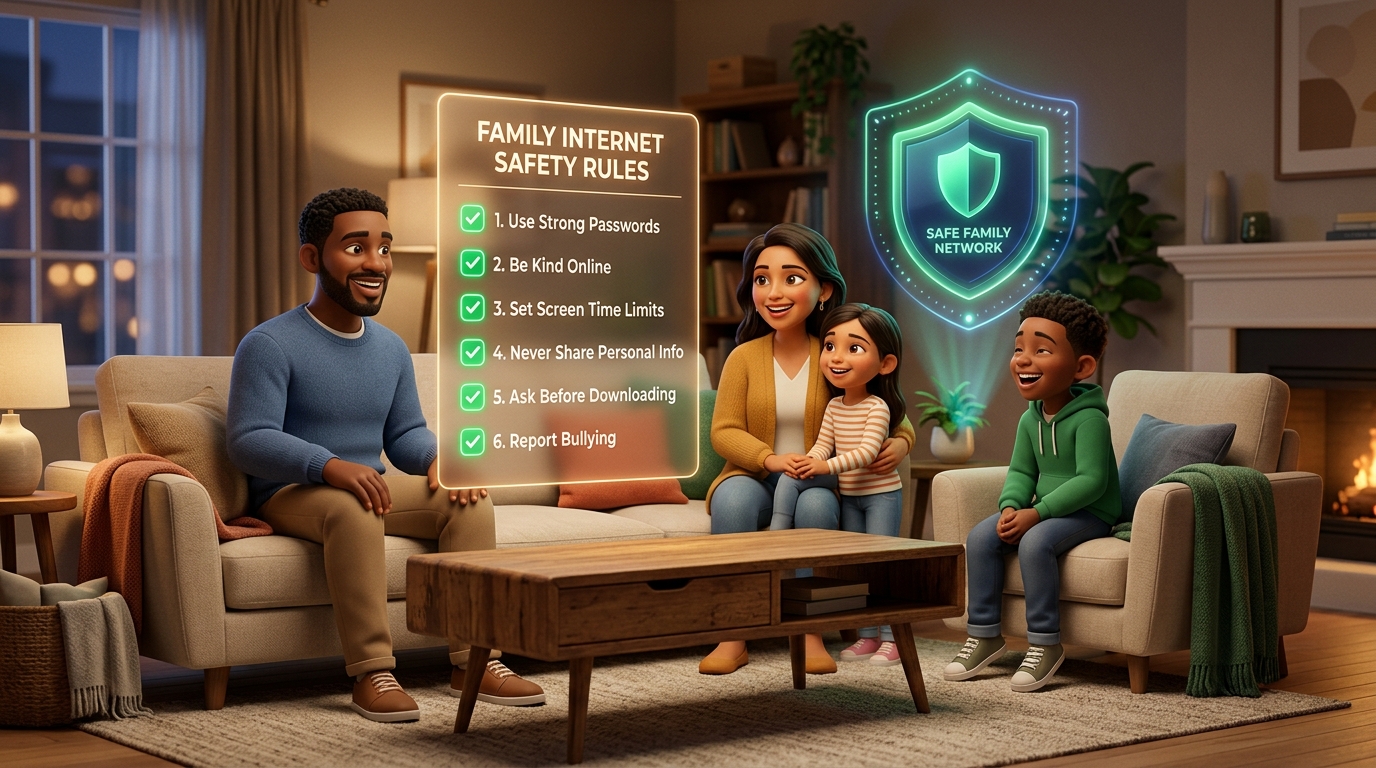
Technology is not our enemy; when utilized mindfully, it is an extraordinary vehicle for discovery, creativity, and connection. However, unguided and boundaryless internet access can rapidly turn the home into an arena of constant tension. These 10 golden rules—agreed upon collectively as a family—safeguard children while cultivating peaceful digital harmony.
1. Screen Time in Common Living Areas
For children under 12, screen use should take place in shared family spaces like the living room or kitchen. Informal casual visibility provides natural organic protection.
2. Device-Free Dining Tables and Family Meals
No smartphones or tablets at breakfast or dinner. Parents must uphold this strictly; children emulate actions far more than spoken directives.
3. Overnight Bedroom Charging Ban
Phones must not stay in children’s bedrooms at night. Centralized charging in the hallway safeguards deep sleep and halts late-night scrolling.
4. Password Privacy & Security Awareness
Children must never share account credentials with school friends. The only individuals entitled to know passwords are their parents.
5. Parental Approval Prior to New Downloads
Before installing a new game or downloading unfamiliar software, children must show it to parents to prevent malware and unrated content.
6. Courteous & Respectful Digital Communication
Anything you wouldn’t say to someone’s face must never be typed in chat groups. Digital empathy is a fundamental household virtue.
7. Real-Time Location Transparency
When commuting to school or visiting friends, sharing live GPS coordinates with parents is treated as a standard safety habit, like wearing a seatbelt.
8. The "No-Anger" Safety Guarantee
If a child accidentally clicks an inappropriate link or feels unsettled by an online stranger, they must feel safe approaching parents without fear of immediate punishment.
9. Prioritizing Screen-Free Passions
Sports, arts, music, paper books, and outdoor adventures are the foundation of healthy development, not mere afterthoughts.
10. Parents Serving as Healthy Role Models
Parents must actively disengage from work emails and social scrolling during family hours, demonstrating the balance they ask of their children.
❓ Frequently Asked Questions
At what age should a family digital contract be introduced?
As soon as a child receives their first personal smartphone or tablet, usually around age 8 or 9.
What should we do when a rule is broken?
Avoid emotional confiscations. Enforce a predetermined, fair consequence—such as losing 30 minutes of the following day’s quota.
How can parents manage their own screen time at home?
Establish designated "tech-free family hours" and turn on "Do Not Disturb" modes during family dinners.
How does SmartFamilyEye help reinforce these rules?
It automates daily quotas, nighttime locks, and web filters neutrally, keeping parents in a loving supportive role rather than an enforcer.
Ready to Safeguard Your Child’s Digital World?
Set screen time limits from a single dashboard, block inappropriate content, and secure school commutes with real-time GPS tracking using SmartFamilyEye.